


ゴールデンウィークに新しいノートパソコン発注しました。
お絵かき用、仕事用、その他趣味用に、DELLのXPS13 2in1を。このサイトのレビューが丁度同じ型番。
ほんとは、昨日の18日到着するはずだったんだけど、明後日21日(日)になった。ひょっとしたら22日(月)かも。まぁそっちの確率が高い気がする。
Photon2も値段の割には良かったんだけど。やっぱり辛かった。ノーパソ、タブレット、メインパソコンと使い分けるのが面倒で、結局使わなくなったし。
ゴールデンウィークに新しいノートパソコン発注しました。
お絵かき用、仕事用、その他趣味用に、DELLのXPS13 2in1を。このサイトのレビューが丁度同じ型番。
ほんとは、昨日の18日到着するはずだったんだけど、明後日21日(日)になった。ひょっとしたら22日(月)かも。まぁそっちの確率が高い気がする。
Photon2も値段の割には良かったんだけど。やっぱり辛かった。ノーパソ、タブレット、メインパソコンと使い分けるのが面倒で、結局使わなくなったし。
昨夜、Wordpressの更新を行った。その際にふと気になって、現在のWordpressの推奨環境を確認した。
んで、現在のうちの環境は……。
解説を見ると、「動くことは動くけど、セキュリティ的にお勧めできない」状態。あー、まずいっすねー。まずいっすねー。早く修正しなきゃ。でも、他に与える影響もあるし、確認しないと。迂闊に変更して詰まったら目も当てられぬ。
先日、授業の調べ物で気になり、ちょっとだけ取り上げたJavaFX。学生にも好評だったので、もうちょっと自分でも触ってみる気になった。というわけで自宅に開発環境を整備する。
必要なモノ一覧。
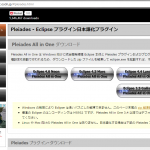
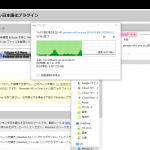
今回は最初から日本語環境で使いたかったので、PleiadesプロジェクトからDL。バージョンは4.6Neon。JavaJRE付きのFullバージョン。全部で1G程だったが、回線の調子も良く、数分でDLできた。DLした後は解凍。Explorerの標準ツールで「全て解凍」を選択。eclipseは階層が深いので、Cドライブ直下に解凍する。つまり「C:\」だ。解凍すると1.6G程になる。「c:\pleiades\eclipse」にあるeclipse.exeを実行すれば良い。
SceneBuilderのサイトを開き、DownLoadを選択。自分の環境の合わせた物をDL。私はWindows10ProなのでWindows Installer (x64)を選択。msiファイルなので、DownLoad後は普通に実行してインストール。インストールされるフォルダは「C:\Users\<ユーザー名>\AppData\Local\SceneBuilder」。このフォルダは、e(fx)clipseと連動させる際に必要なので覚えておくこと。
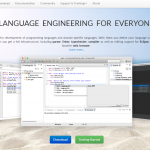
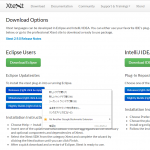
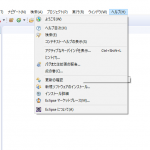
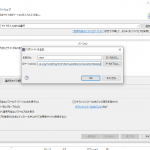
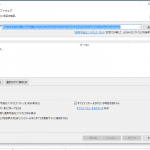
e(fx)clipseのインストールに必要なXtextをインストールする。インストール方法は
私の場合、回線が細く、中々終わらなかった。3時間ほど掛かったかなぁ。皆さんも時間の余裕を持って行って欲しい。
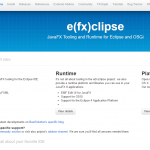
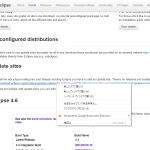
Xtextとインストール方法は同じ。
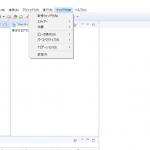
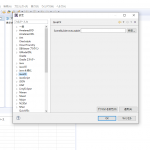
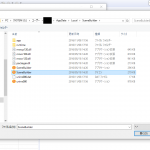
やり方は
Applyして、OKすればできあがり。
環境出来上がったら、次はプロジェクト作成してアプリ生成だ。
Log解析ソフトのAwstats。インストールしてからずっとcron更新ができてなかった。解析データが欲しいときには、その度に初期化用のスクリプトを起動してた。しかしいい加減面倒くさくなったので原因を調査。
以上二つが大きく関わってると分かる。awstatsファイルを作成する。
#!/bin/bash
exec /usr/local/awstats/tools/awstats_updateall.pl now -configdir="/etc/awstats" -awstatsprog="/usr/local/awstats/wwwroot/cgi-bin/awstats.pl" >/dev/null
exit 0
そしてawstats.sougetu.net.confを修正。試しに動かしてみるとイイ感じであった。多分大丈夫。Loglotateについては明日確認しよう。
ClipStudioを導入し、ぼちぼちと絵を描き始めた。まだ各所の機能とか分かって無くておっかなびっくりだけど。
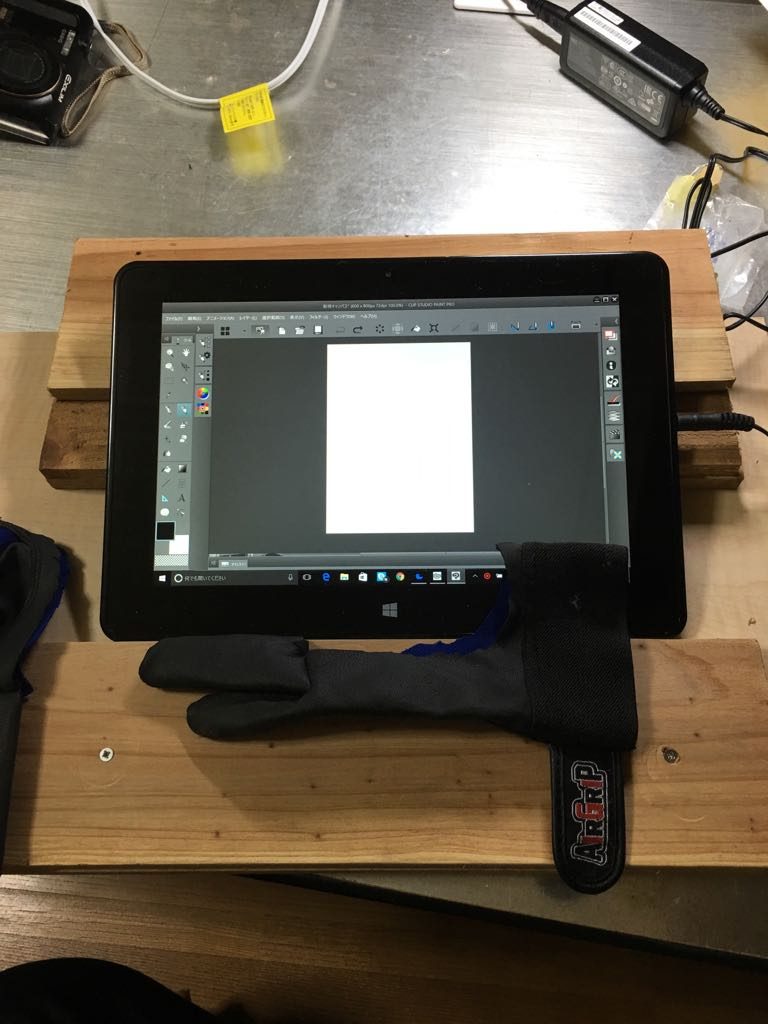
手作り作業台と手袋
作業台も作った。本棚の余った仕切り板と、手近にあった杉板を合わせて作成。まぁまぁ使いやすい。人にみせる物じゃ無いしこれでいいだろう。タブレットに手刀部分が当たると誤動作するので、それの対策も行った。カービング用に買っていた作業用手袋を切り刻んでタブレット作業用手袋を作成する。まぁ買うより安いだろう。
さすがにメモリ4Gでは、幾つかソフトを立ち上げるときつい。EsetSmartSecurityも入ってるし仕方が無い。色々切り詰めてやるしか無いだろうな。
昨日からちょいちょいと手を動かしてみるが、中々物にならなかった。なので今日の夕方はちょっと楽にデグーを描いてみた。今回は二点。
一つは何も見ずに適当に。もう一つは、写真を下絵に。
まぁまぁの出来じゃ無いかと自画自賛。
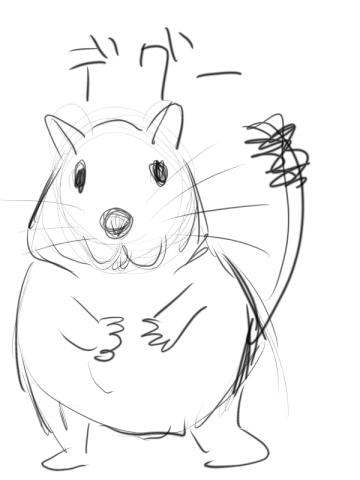
デグー適当1
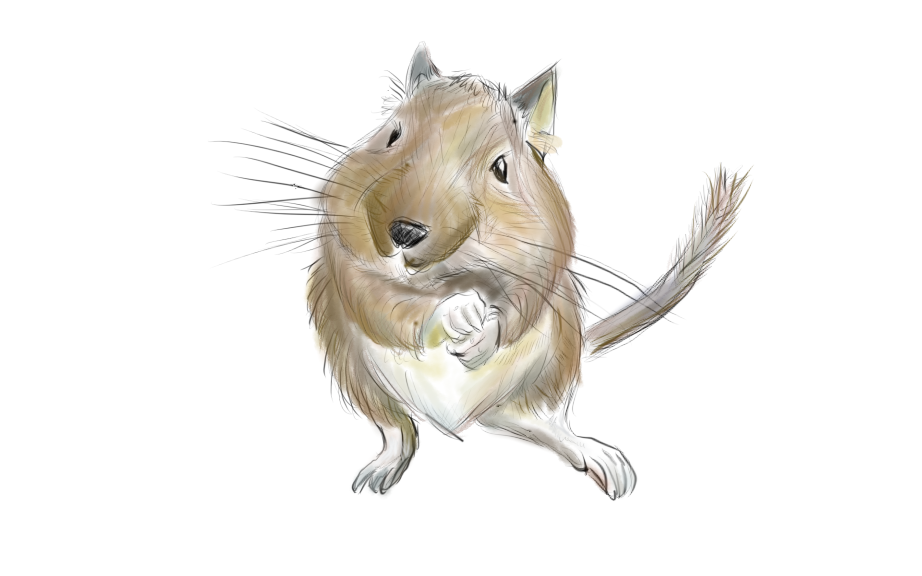
デグーちょっと頑張った絵
台湾のメーカーbungbungameが販売しているWindowsタブレット「Photon2」を購入した。
目的はお絵描きである。このタブレットは、10.1インチの画面に、1024段階の筆圧感知デジタイザを備える。メモリは4G、ストレージはSSD64G、CPUは、AMD A6 Micro-6500T-APUという変わり種だ。祥しい事はレビューなどを探して欲しい。
Photon2の開発元であるbungbungame社の社長が夏頃急死、その為、各所で投げ売り状態となっている。私はそれをAmazonで24800円で買った。キーボードなしサポート無しの怖い状態だがその値段に惹かれたのである。今ネット上で様々な情報が共有されているが、一番怖いのはスタイラスペンの替えが無いこと。駄目になったらどうしよう。
昨日昼届いたPhoton2を開封し、セットアップしていった。
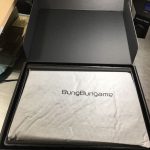
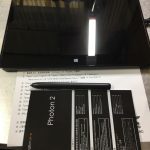
起動出来たところで、bungbungame上で公開されているドライバを当てる前に、WindowsUpdateを当てる。AnniversaryUpdateが終わるまでかなりかかった。
全てのアップデートが終わると、日本語化も完全になった。それまではかなりの部分に英語が混ざっていた。そして昨日は就寝。
今朝はDriverBoosterでドライバを一括更新した後、bungbungameのドライバを当てた。再度DriverBoosterを当ててみたが、CardReader以外は大丈夫だった。
筆圧なども特に大きな問題は無いようだ。後は絵のソフトを何にするかだな。恐らくClipStudioにするとおもう。
以前、SSDとHDDを買ってきたのはここに書いた。で、色々忙しくて実際に換装作業を行ったのは9/30(金)のことであった。計画としては、2TのHDD×2については交換して3T×2に。SSDは、現在のCFDのものを負荷の低いDドライブにし、新SSDをCドライブとするものであった。
金曜日、仕事が終わり夕方17時付近から作業を開始。HDDの換装作業はすこぶるスムーズに行った。記憶によれば夕食前には片が付いていたと思われる。そして何も考える事無くSSDの移設作業を開始する。しかし、上手く行かない。色々と試すのだが、換装したSSDが上手く起動しないのだ。就寝時間になるも上手く行かなかったため、翌日土曜日に持ち越し。
土曜日も過眠による昼寝の中断を挟みつつも作業は進行。しかし成果は上がらず。仕方が無いので無駄と分かりつつ購入店舗に初期不良でないかと問い合わせ。持ち込む。そこで使っているソフトが古いものであるのが臭いとのアドバイスを受ける。とりあえず新SSDはチェックとなった。翌日受け取りである。しかし、うちから購入店舗までは高速道路を使って1時間ちょいの距離。往復は結構きつい。しょんぼりである。
帰宅後、AcronisTrueImageを2013から2017にアップデート。しかし、所有パソコンが2台なのに新規ライセンスを1台のみにしてしまう。大後悔時代である。
日曜日10/2。朝から作業をしつつ連絡を待つ。10時半の開店時間から電話するも繋がらず。イライラしつつ待つと、11時過ぎに連絡あり。昼食を取ってから取りに行くことにする。11時50分頃出発。新SSDはやはり問題なし。と、そこで今まで使ってたグラボ(ASUSTeK NVIDIA GTX760)を中古として売る。結構良い値段になる。そこで気をよくした私は、(GIGABYTE GTX 1060)を購入する。帰宅は14時半過ぎ。ウキウキ気分でセットしようとすると問題発生。なんとガワに収まらない!これはいかんともしがたいので、もう一度ドライブである。宮崎市のパソコン工房へ。短期間に何度も訪れるのは辛い。
ガワ(Antec P100)を9800円で購入し、とんぼ返り。セットアップの開始。旧構成+新グラボでの復旧に成功する。しかし、新SSDの導入至らず。通常21時過ぎには寝るところを23時まで粘ったが限界。寝る。
10月3日(月)。5時頃起床。のそのそと作業開始。旧SSDのクローンで立ち上げることに成功する。しかし、その後要らぬ気を起こして、隠しパーティションを触りおじゃん。仕事の時間が来たので、また帰宅後となる。
15時前帰宅。クローンの仕方を色々と試した末、AcronisTrueImageでディスククローンした後、EaseUS Partition Masterで不要なパーティションを削除したりすることで対応出来ると確証。作業を終える。終了は18時過ぎであった。非常に疲れた。
(※2017/03/22 コメント欄の要望によりEaseUS Partition Masterへのリンク追加。2017/03/22現在EaseUS Partition Masterのバージョンは11.10)
(※2018/2/26 昨年9月の要望によりURLの変更。現バージョンは12.8。)
と言う訳で、現在の構成は以下の通り。
| 部品名 | 製品名 | 購入日 | 通電時間 | 備考 |
|---|---|---|---|---|
| CPU | Core i7-4790 | 2015/6/19 | ||
| マザーボード | ASUS Z87-PRO VEdition | 2015/6/19 | ||
| メモリ | 不明:8GB×2 | 不明 | ||
| グラボ | GIGABYTE GTX 1060 | 2016/10/2 | ||
| SSD | SanDisk sdssdxps-480g-j25 | 2016/9/21 | 480G Cドラ | |
| SSD | CSSD-S6T512NHG5Q | 2013/11/16 | 1020D 約3年 | 512G Dドラ |
| HDD | Seagate ST3000DM001 | 2016/9/21 | 3T | |
| HDD | Seagate ST3000DM001 | 2016/9/21 | 3T | |
| 電源 | オウルテック fsp raider ra-750 | 不明 | ||
| ガワ | Antec P100 | 2016/10/2 | ||
| DVD-RAM | LITEON? | 不明 |
ちとSSDのデフラグに関して、SSDもデフラグした方が良いという記事を見て、defragglerというソフトを入れて見た。SSDの場合は、普通にデフラグすると寿命が縮むのだけど、SSD用のメニューで。ランダムリードスピードが結構早くなった。イイ感じ。
合わせて、SSDとHDDの使用状況を確認すると、下表の通りであることが分かった。HDDの7年はマズイし、SSDの3年もそろそろマズイ。保証期間切れるし。なので、仕事終わってから宮崎市に突っ走ってSSDとHDDを一揃い買ってきた。暇を見てぼちぼち入れ替えをする予定。
| 部品名 | 製品名 | 購入日 | 通電時間 | 備考 |
|---|---|---|---|---|
| CPU | Core i7-4790 | 2015/6/19 | ||
| マザーボード | ASUS Z87-PRO VEdition | 2015/6/19 | ||
| メモリ | 不明:8GB×2 | 不明 | ||
| SSD | CSSD-S6T512NHG5Q | 2013/11/16 | 1020D 約3年 | 512G |
| HDD | ST2000DM001 | 1093D 約3年 | Fドライブ 2T | |
| HDD | ST2000DL003 | 2607D 約7年 | Zドライブ 2T |
WordPressで溜まった更新を片付けていたら、アップデートが中途半端になってしまい、wp-Adminディレクトリにアクセスできなくなってしまった。色々と試したが、結局駄目で、ファイルの総入れ替えを行う羽目に。
なるべく面倒を避けようとして、結局酷く面倒な事になってしまった。実働時間、約2時間半。
ふとした拍子にWindowsUpdateをチェックすると、「x64 ベース システム用 Windows 10 Version 1511 の累積的な更新プログラム (KB3156421)」がエラーコード「0x80073712」で停止していた。何度となくトライするがUpdateに失敗するばかりだったので、別の手段を取ることにした。私が取った手段は次の三つ。
1,2については失敗した。これは恐らくWindowsUpdateのキャッシュまたはデータベースが破損している為と思われる。そこで3を実行した。実行の手順はこのページに詳しい。ページが無くなったときのために、一応手順を記す。
方法 2: DISM ツールを実行する
画面の右端からスワイプし、[検索] をタップします。
(マウスを使っている場合は、画面の右下隅をポイントし、マウス ポインターを上へ移動して、[検索] をクリックします。)検索ボックスに「コマンド プロンプト」と入力します。
結果一覧で [コマンド プロンプト] を下方向へスワイプするか右クリックして、[管理者として実行] をタップまたはクリックします。
[管理者: コマンド プロンプト] ウィンドウで次の各コマンドを入力します。各コマンドの後で、Enter キーを押します。
DISM.exe /Online /Cleanup-image /Scanhealth
DISM.exe /Online /Cleanup-image /Restorehealth
[管理者: コマンド プロンプト] ウィンドウを閉じるには、「Exit」と入力し、Enter キーを押します。
Windows Update を再度実行します。